
ecoPayz Casino Deposits: Instant Account Funding
 Available in GB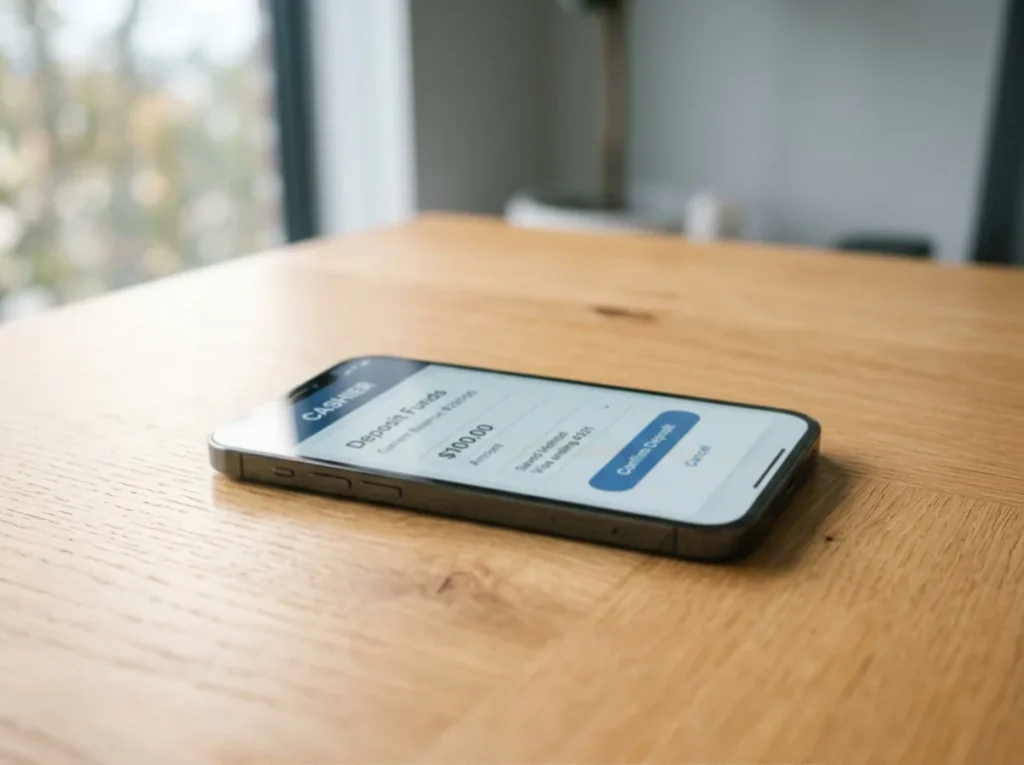
Deposit Mechanics: Modern Cashier Integration Updates
The first casino deposit I ever processed for a friend who’d just opened an ecoAccount was in 2018, on a laptop, with a chip-and-PIN card sitting on the desk as a backup. The cashier had eight payment methods on the screen; six of them were card-based; the e-wallets were stacked at the bottom like an afterthought. That world is gone.
What's inside this guide
The April 2020 credit card ban took an entire funding category off the table for British players, and the migration was permanent. Debit cards, e-wallets and bank transfers now cover the whole of the deposit volume going into UKGC-licensed casinos, and e-wallets — Payz among them — are no longer the afterthought. They sit at the top of the cashier list because they’re now the dominant route for the kind of player who wants speed without dragging out a physical card.
What I’m going to walk you through is the deposit flow as it actually behaves in 2026 — on a phone, with 2FA, at a UKGC casino that’s tightened its AML posture after a year of enforcement actions. Five steps, plus the stuff you ought to settle before you even open the cashier, plus the errors that send half of failed deposits to support tickets.
Before initiating your first transaction, make sure to check the minimum ecoPayz casino deposit limits enforced by your chosen gambling site.
What to settle before you tap the cashier
The deposit flow takes longer when something on the back-end isn’t ready, and most of the friction comes from things you can resolve in five minutes before you even open the casino. The list is short.
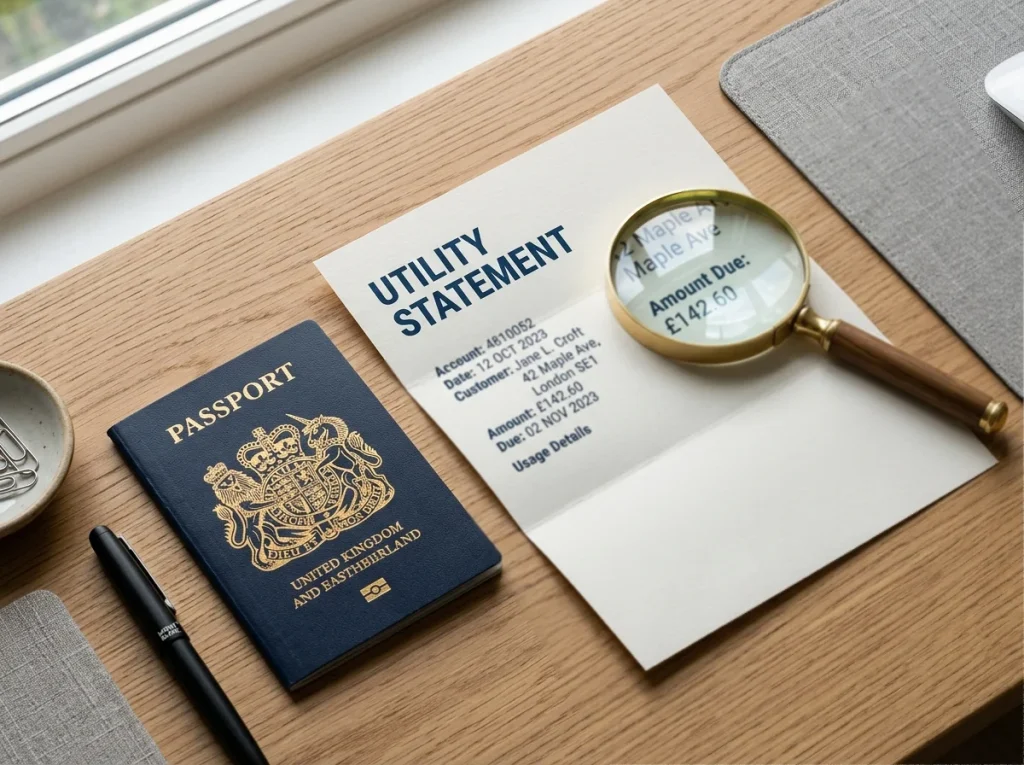
Your Payz account needs to be verified at least to the tier the casino expects. Basic Classic verification covers the vast majority of UKGC casino deposits, and it’s quick: passport or driving licence, a recent utility bill or bank statement as proof of address, and a selfie liveness check for some accounts. PSI-Pay, the firm operating Payz under FCA registration 900011, runs the standard EMR-compliant ID workflow, so if you’ve completed verification at any other FCA-authorised e-money provider, the document set will look familiar.
Your Payz balance needs to cover the deposit. Sounds obvious, but the most common failed deposit I see in user reports is a Payz balance one or two pounds short of the cashier’s typed amount, with the failure attributed to “the wallet not working”. If you’re funding the Payz balance fresh, do it before you go anywhere near the casino — top-ups via bank transfer or debit card take from seconds to a few hours.
Your phone needs to have the Payz app installed and 2FA enabled. With 57 per cent of UK adults now registered in mobile wallets, the deposit confirmation step assumes you have the wallet on your phone; without it, you’ll be bounced to a web-based confirmation that’s slower and more brittle.
Your chosen casino needs to be UKGC-licensed, and you need to know its display currency. The cashier’s display currency drives whether your Payz deposit triggers an FX margin or not. A GBP-balanced Payz wallet depositing at a GBP-displaying casino is the cleanest setup; anything else has cost implications I’ll come back to.
Open the cashier and read what it actually says
The cashier is the casino’s payment landing page. On most UKGC-licensed operators, it’s reachable from the main account menu — “Deposit”, “Cashier”, “Banking” or “Wallet”, depending on the operator’s terminology. On a phone, it usually opens as a full-screen modal rather than a separate page.
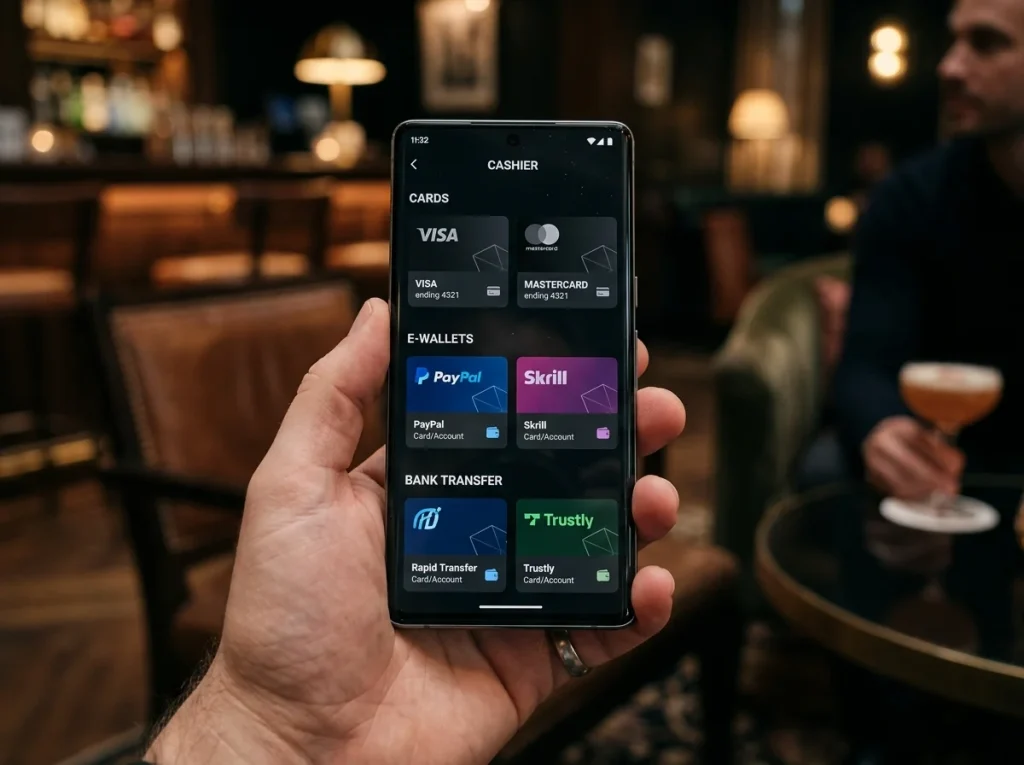
What I want you to do at this step is read, not click. The cashier shows you several things that matter: the available payment methods (your Payz option should be in the e-wallet group, often grouped alongside Skrill, Neteller and the bigger consumer wallets), the minimum and maximum deposit limits for that method, your remaining deposit-limit headroom for the day or week (if you’ve set one), and any operator-specific notices — for example, that certain bonuses don’t qualify on e-wallet deposits, or that the deposit will go through additional verification at certain thresholds.
The minimum deposit amount varies by operator and by payment method. Payz minimums at UK casinos are typically in the £5-£10 range, but I’ve seen some operators run a higher floor specifically for e-wallets — often £20 — as a soft barrier against bonus-abuse patterns.
One quiet detail worth checking: the cashier’s display currency. UK-facing operators almost always default to GBP, but some run multi-currency and remember a choice you made on a previous session. If your last visit set the cashier to EUR, your next deposit will trigger Payz’s FX margin even though your wallet and the casino are both UK-domiciled. Switch the cashier back to GBP before you do anything else.
Pick Payz from the e-wallet group, not from the alternatives
Payz holds third place among e-wallets in online gambling, behind Neteller and Skrill, and in the cashier of a UKGC-licensed casino it usually sits in the same visual cluster as those two. The icon may still show “ecoPayz” on older cashiers, “Payz” on newer ones, or both — the brand transitioned from ecoPayz to Payz on 10 May 2023, and not every casino has updated their cashier artwork.
What you’re looking for is the Payz logo specifically, not a generic “e-wallet” tile and not one of the alternative funding methods that PSI-Pay also enables. The Payz Mastercard is a separate funding route in some cashiers — it’s funded from your Payz balance but presented as a card deposit. The ecoVoucher option, where it appears, is a single-use prepaid voucher product also from PSI-Pay but with different mechanics. Picking the right tile matters because the others may carry different fee structures or different bonus eligibility.
If you can’t find Payz in the cashier, three possibilities are in play. First, the casino may not accept it — not all UKGC operators integrate Payz, and the list of those that do is narrower than for Skrill or Neteller. Second, the casino may show Payz only for accounts whose region or country setting matches. If your account country is wrong, fix it from the profile menu. Third, the casino may have temporarily disabled the method during an integration update.
Once you’ve tapped Payz, the cashier will either expand inline with the deposit form, or open a hosted page on the Payz side. Both flows lead to the same destination, but the inline version is faster.
Type the amount and confirm the currency
The amount field is where most fee mistakes happen, and the fix is straightforward: type the deposit in the currency you want it processed in, and make sure that currency matches your Payz wallet’s currency.
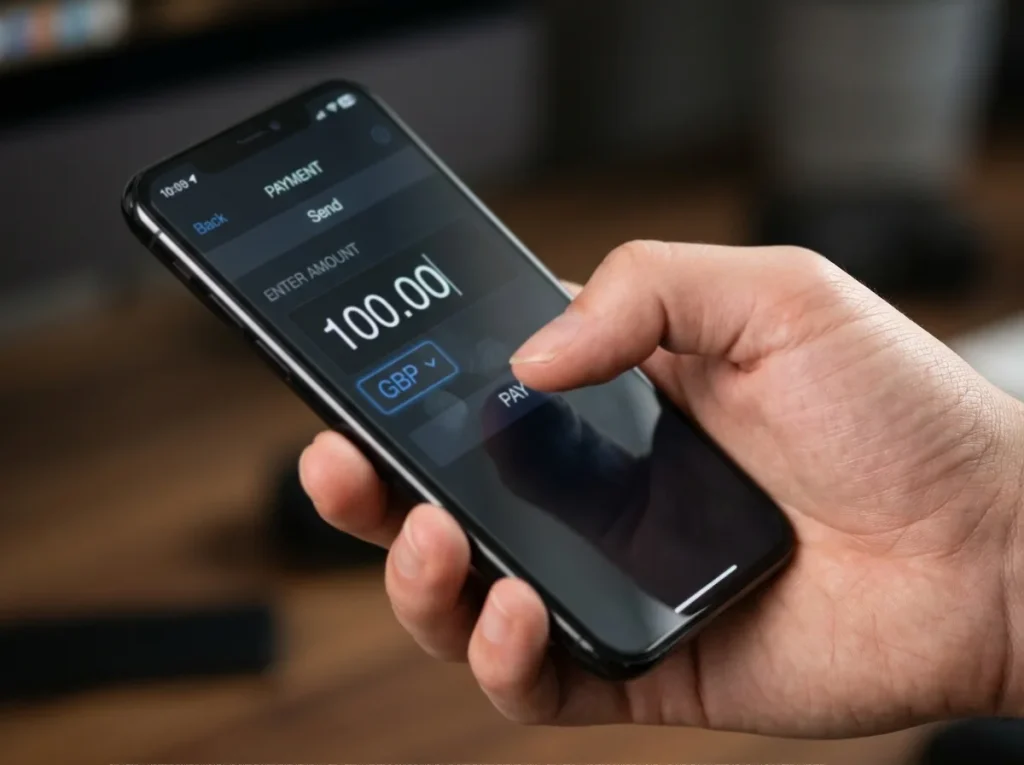
If your Payz wallet is in GBP and you type £100 at a GBP-displaying cashier, the deposit moves £100 from wallet to casino with no FX margin. The Classic-tier 2.99 per cent FX rate that Payz charges on cross-currency conversion never fires. This is the cleanest case and the one I recommend you optimise for.
If your Payz wallet is in EUR and you type £100 at a GBP cashier, the deposit converts EUR to GBP on the wallet side, and 2.99 per cent of the converted amount goes to FX margin. That’s roughly £3 on a £100 deposit at Classic tier. Per deposit it’s small. Over a year of weekly play, it’s meaningful.
Some cashiers let you change the deposit currency at this step. Look for a small currency-selector dropdown next to the amount field. If it’s there, use it to match your wallet currency — that’s almost always the right move. If it’s not there, the cashier is locked to its display currency and you’ll need to either accept the FX cost or fund a same-currency Payz sub-account.
The minimum and maximum deposit are shown next to the amount field. If you type a number outside the range, the cashier will reject the deposit before it even hits Payz — saving you a failed-deposit log line on the wallet side, but also giving you a less helpful error message than a Payz-side failure would.
One detail to handle here: if you’ve set a casino-side deposit limit lower than your typed amount, the cashier will block the deposit with a message about your self-imposed limit. The limit is the legal floor — you set it for a reason, and the cashier will respect it even when the wallet and the operator would technically accept the higher amount.
Hand off to Payz and authorise the debit
Once you’ve confirmed the amount and tapped to proceed, the cashier hands off to Payz. What happens next depends on whether you’re on the same device as your Payz app.
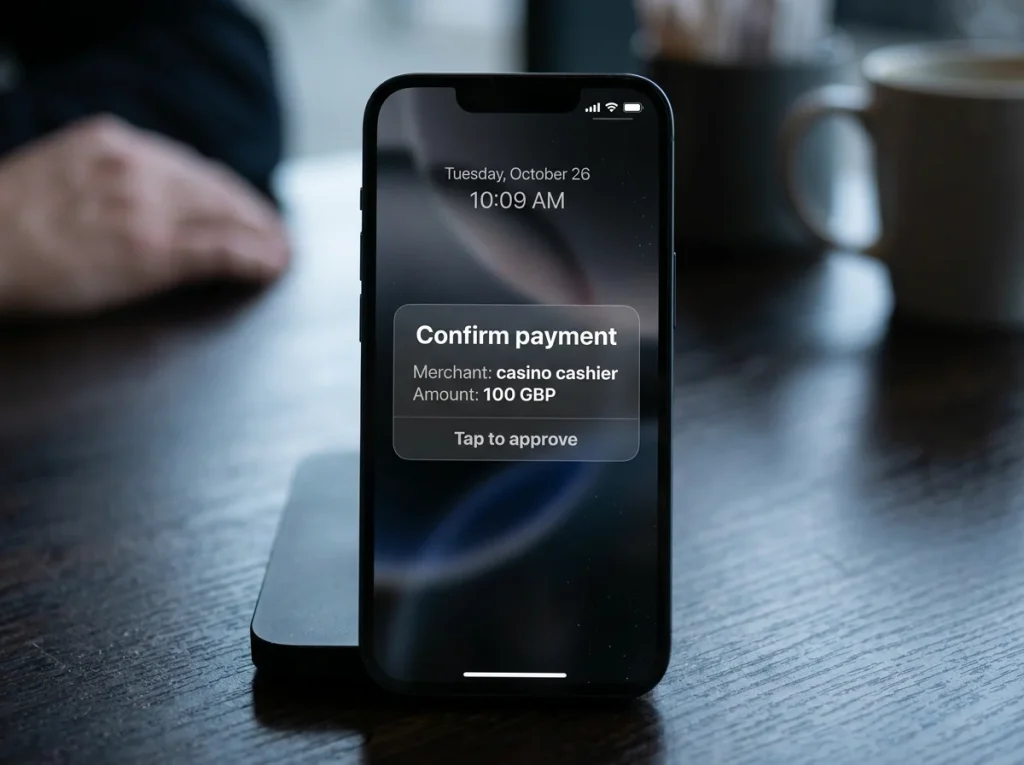
If you’re on the phone where Payz is installed and you’ve enabled push authorisation, the Payz app will receive a notification within a second or two, and you’ll get a confirmation screen showing the amount, the receiving merchant (the casino), the currency, and any FX conversion if applicable. Tap to confirm, biometric check or PIN if you’ve enabled one, and the funds move.
If you’re on desktop, the cashier hands off to a Payz-hosted page that displays a QR code or a six-digit code. Open the Payz app on your phone, scan or enter the code, and authorise from there. This flow takes thirty seconds rather than two; the trade-off is that desktop deposits are demonstrably safer because the authorisation step requires both devices to be in your possession.
The confirmation screen is worth reading before you tap. It shows the actual debit amount in your wallet currency, the conversion rate if FX is involved, and the receiving merchant. If anything on this screen looks wrong — wrong amount, wrong currency, an unfamiliar merchant name — cancel and start again. The merchant name is the casino’s payment-processor-side identifier, which is often different from the casino’s consumer brand name. If you’re unsure, the casino’s cashier page or its help section will list the merchant-of-record name they pass to the wallet.
Once you confirm, the funds debit from Payz, credit to the casino’s merchant account, and within seconds — usually two or three — the casino balance updates. The whole flow from amount entry to balance update should take under half a minute on a good connection.
Clear the 2FA and 3D Secure layer cleanly
The 2FA step is the single most common point of deposit failure, and most failures are user-side rather than system-side. There are two layers to know about: the Payz-side 2FA and the 3D Secure / SCA layer that may fire if the deposit triggers additional authentication.
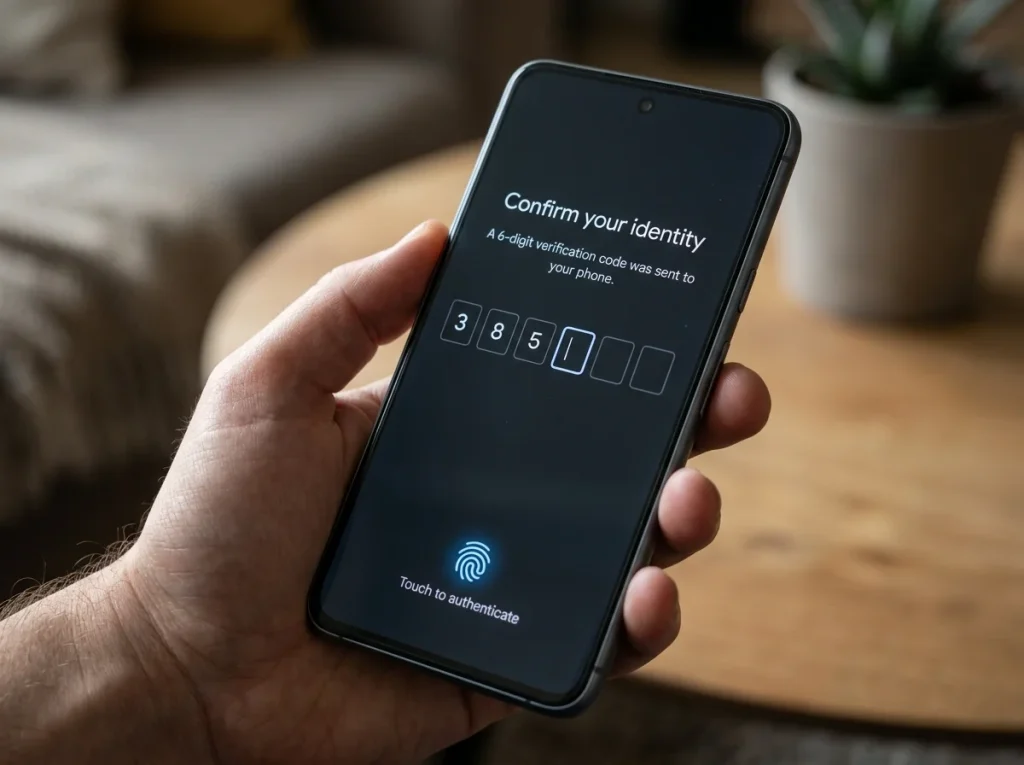
Payz’s own 2FA is the authorisation you tap on inside the Payz app — push notification, biometric or PIN. If you haven’t set this up, the deposit will fall back to an SMS code sent to your registered number, which is slower and more brittle. The right setup is push plus biometric; SMS is the fallback for when push isn’t working.
The 3D Secure layer applies primarily when the deposit involves a card leg — for example, if you’re funding the Payz wallet on the fly from a debit card during the deposit, or if you’re using the Payz Mastercard as an intermediary route. In those cases, you’ll see your bank’s 3DS challenge after the Payz authorisation: a code from your banking app, a biometric step, or a pre-set 3DS password. If your phone is the same device used for the casino, the banking app and the deposit flow may compete for foreground; let the banking app finish before you return to the casino tab.
The Strong Customer Authentication regime — the European framework UK banks still apply — requires this multi-step verification on a regular cadence. Even deposits you’ve made fifty times before will occasionally trigger a fresh authentication step. It’s not an error; it’s the regulatory baseline working as designed.
If the 2FA fails — wrong code, expired challenge, locked Payz account because of too many attempts — the deposit cancels cleanly without debiting either side. You can retry once you’ve resolved the underlying authentication issue.
Read the error message when it doesn’t work
Failed deposits are common enough that you’ll see one eventually, and they’re almost never random. Six error patterns cover the vast majority of cases.
The first is “insufficient funds in source wallet”, which means your Payz balance is below the deposit amount. Top up Payz first, then retry.
The second is “transaction declined by issuer”, which usually means the Payz-side authorisation was rejected — either a 2FA failure, a velocity-check trigger because you’ve made several deposits in quick succession, or an AML flag on the receiving casino. A second attempt within a few minutes often clears velocity-related declines; AML-related declines need to be resolved on the casino’s side.
The third is “payment method not available”, which means the cashier has temporarily disabled Payz — usually a technical issue on the casino side rather than a Payz problem. Wait an hour and retry; if it persists, switch payment methods rather than escalating.
The fourth is “currency mismatch” or “currency not supported”, which means your wallet currency doesn’t fit the casino’s accepted currency list. Either switch your wallet to a supported currency or pick a different casino.
The fifth is “deposit limit exceeded”, which means you’ve hit a self-imposed limit, an operator-imposed limit at certain account ages, or a regulatory limit. Self-imposed limits can’t be raised immediately — most operators apply a cooling-off period before increases take effect. This is by design.
The sixth is “method blocked by operator”, which is where some of the recent enforcement context becomes relevant. The Videoslots case in November 2025 — a £650,000 UKGC fine, part of which related to the use of pre-paid digital vouchers without effective oversight — pushed operators across the industry to tighten their controls on certain payment-method patterns. Some casinos have responded by adding additional checks on e-wallet and voucher deposits, which can manifest as deposits being blocked or temporarily held for review. A deeper troubleshooting walkthrough is available in the dedicated failure-mode guide for anyone whose deposits keep being declined.
The pattern across all six: the error message is the diagnostic. Don’t retry blindly; read it.
Set your deposit limit before the cap sets one for you
This is the section the marketing pages skip and the regulator cares most about. UKGC casinos are required to offer deposit limits at daily, weekly and monthly intervals, and the regulator’s enforcement record over the last year shows what happens when those controls aren’t enforced rigorously.
The April 2025 introduction of the £5 per game cycle stake-cap on online slots, followed by the £2 cap for 18-24 year-olds in May 2025, took the deposit-side conversation into new regulatory territory. Stake caps are not deposit caps, but they shape the deposit pattern: at £5 per spin, a player intending three hours of slots play needs a different deposit profile than the same player did in 2024 at unrestricted stakes.
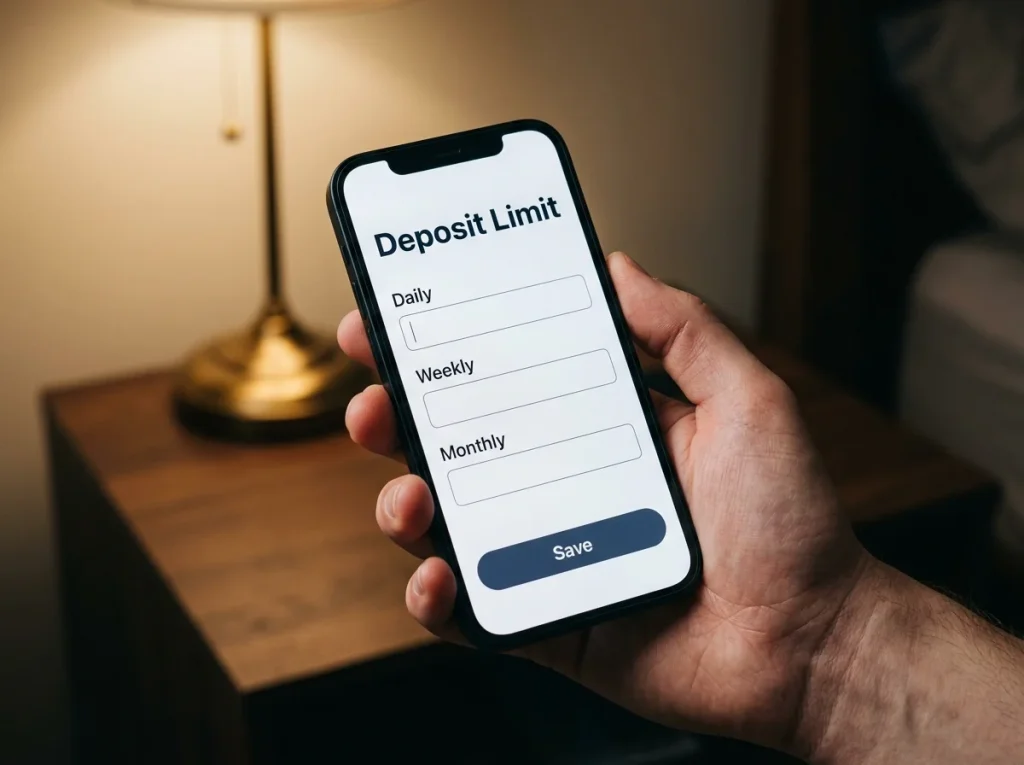
The right way to think about deposit limits is as a circuit breaker, not as a budget tool. The Safer Gambling Week 2025 data showed 281,000 deposit limits being set by 153,960 unique account holders — a 41 per cent increase year-on-year — and that’s not because casinos became better at marketing the option. It’s because the regulatory architecture has been working: industry-wide messaging, AML enforcement, and the regulator’s repeated public reminders to operators that their limit-setting tools must work in practice. As John Pierce, UKGC Director of Enforcement, put it in the context of one of the year’s enforcement actions: “Operators are required to have effective Social Responsibility and Anti-Money Laundering policies, procedures and controls as a condition of holding an operating licence.”
Set your limit before you make your first deposit at any new operator. Set it lower than you think you’ll need — you can always raise it, with a cooling-off period built into the workflow, but you can’t retroactively unspend a deposit that went above what you’d have set if you’d thought about it first.
The limit you set on the casino side is independent of any Payz-side daily transaction cap. The two stack: the lower of the two is the binding constraint on any given day. If your casino limit is £100 a day and your Payz Classic-tier transaction headroom is much higher, the £100 wins.
Start playing your favorite games today by choosing a secure site from our trusted ecoPayz casino list.
Why does a UK casino sometimes show Payz only after I select GBP as the cashier currency?
Some operators run multi-currency cashiers and configure which payment methods appear based on the selected currency. Payz appears in the e-wallet group when the cashier is set to GBP because that"s the most common configuration for UK-facing players. Switching the cashier to a non-GBP currency can hide Payz from the visible methods, even though the wallet itself supports many currencies. If Payz doesn"t appear, confirm the cashier is set to GBP first; if it still doesn"t appear, the operator may not integrate Payz at all.
Does the cashier let me change deposit currency mid-flow without restarting the deposit?
The behaviour varies by operator. Some cashiers display a currency selector next to the amount field that you can change before tapping to proceed; once you"ve tapped through to the Payz handoff, the currency is locked. Other cashiers don"t show a selector at all and use the cashier"s default display currency. The safest workflow is to set the cashier"s default currency from the account profile before you start the deposit, rather than trying to change it mid-flow.
Can I split one deposit between two Payz tiers — for example, a Classic and a Gold sub-account?
No — a single deposit fires from a single wallet at a single tier. The tier is an attribute of the user, not of an individual transaction, so all deposits made in a given session run on whichever tier the wallet sits at. If you want to optimise FX margin by drawing from a higher tier, the upgrade happens once and applies to all subsequent deposits from that wallet; you can"t pick the tier per transaction.
Will a Payz deposit qualify for the casino"s welcome bonus?
It depends on the operator. Many UKGC-licensed casinos exclude e-wallet deposits — Payz, Skrill and Neteller — from welcome and reload bonuses, citing historical abuse patterns. The exclusion language is in the bonus T&Cs, usually under a heading like "qualifying deposit methods" or "excluded methods". Read the T&Cs before depositing if a bonus is part of your reason for choosing this operator. The cashier itself rarely flags bonus exclusion at the deposit step; the exclusion only becomes visible when you try to claim the bonus afterwards.
ecoPayz Casino Articles: UK Market Trends and Payment Data
Created by the "Ecopayz Casino UK" editorial team.