
ecoPayz Casino Sign-Up Tutorial: From Empty Account to First UK Casino Deposit
 Available in GB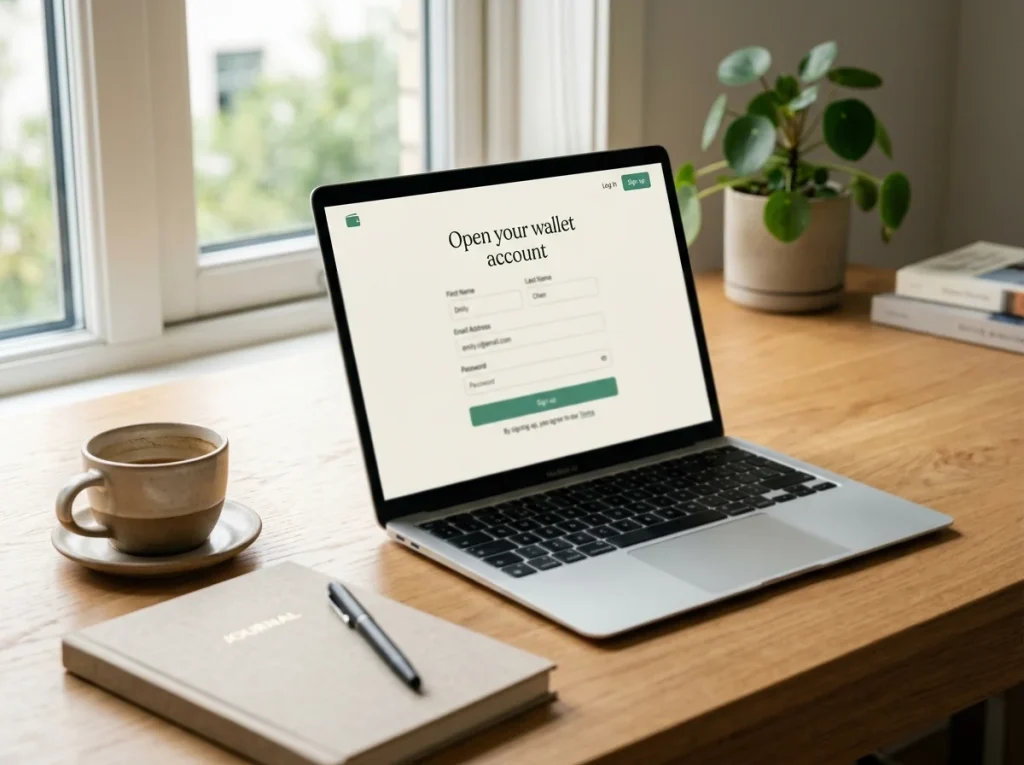
Why I write this tutorial differently from most
Most Payz sign-up walkthroughs you’ll find online treat the registration page as the start of the journey. In practice, the registration form is roughly twenty minutes of work, the verification that follows is several hours to several days, and the first casino deposit can take fifteen seconds or fifteen minutes depending entirely on choices you made during sign-up. The order in which you do things matters more than which fields you fill in.
What's inside this guide
This walkthrough is structured around that reality. I’ll cover what to think about before you even open the registration page, then move through the actual signup, the verification steps that follow, and the first casino deposit. The aim is for the deposit to be the easy part – which it can be, if the earlier choices line up.
Before you sign up
Three things to settle before you start typing into a registration form. First, decide what you’ll use the Payz account for beyond casino deposits. If it’s only for casino play, a single-currency GBP account is the cleanest configuration. If you’ll also use it for international travel, retail purchases or cross-border transfers, you’ll want a multi-currency setup that affects what tier you should aim for. Knowing this in advance prevents the awkward “I should have opened a different account” feeling six months in.
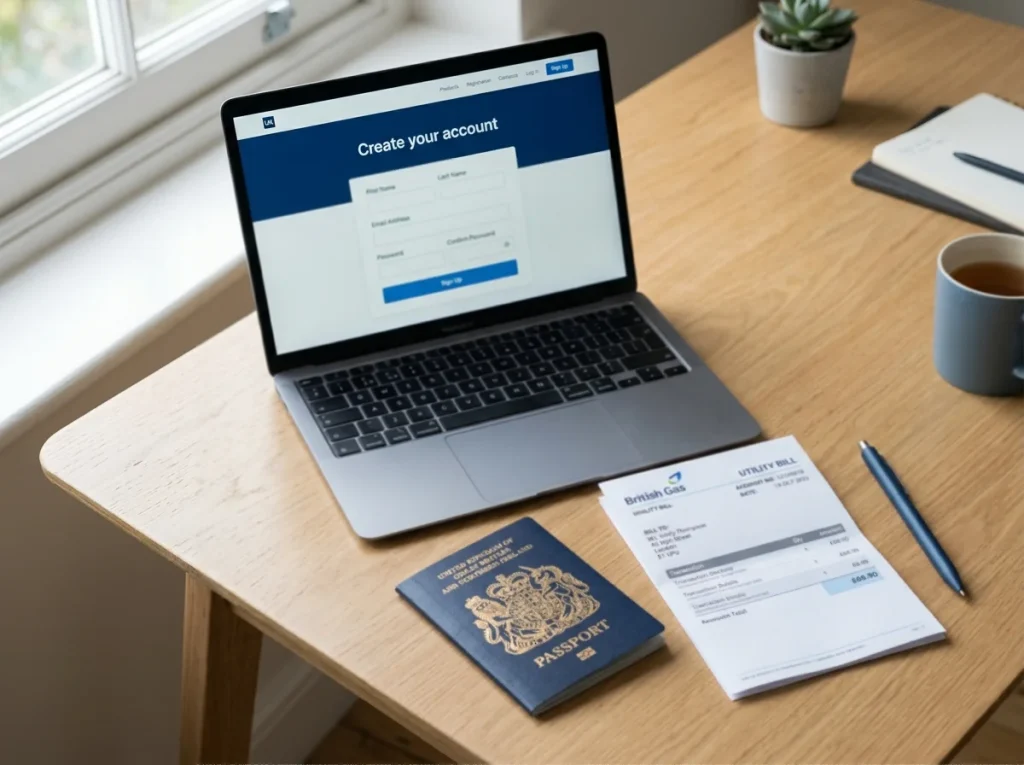
Second, gather your documents. UK Payz registration goes faster when you can immediately upload a passport scan or driving licence photo and a utility bill or bank statement dated within three months. Without these, you can register but you can’t move beyond the most basic account state, and any casino deposit attempt will fail until verification clears. Payz operates through PSI-Pay, an FCA-authorised Electronic Money Institution on the FCA Register at firm reference number 900011 – meaning the verification process is held to UK regulatory standards rather than being a perfunctory form-fill.
Third, decide on your tier strategy. Almost every new account starts at Classic. Whether you intend to upgrade later or stay at Classic affects how you configure the account from day one. If you’ll stay at Classic – perfectly fine for low-volume casino play – you don’t need to do anything special during sign-up. If you’ll upgrade towards Gold or Platinum, providing additional documentation at registration accelerates the path.
Step 1: Personal details
The first screen of the Payz registration is straightforward identity capture: name, date of birth, address, nationality, email and a password. The friction points aren’t in the fields themselves but in the consistency of what you enter.
Use the name exactly as it appears on the identity document you’ll upload later. Middle names included. Hyphens included. Any difference between your registered name and your document name creates a verification mismatch that’s surprisingly time-consuming to resolve. The same applies to date of birth – the format on screen and the format on your passport may differ, but the underlying date must match exactly.
The address field is the one most often filled out carelessly. UK postal addresses have a standard format and Payz expects it to be followed. House number, street, town, county, postcode, country. The address you enter must match the address on the proof-of-address document you’ll upload, and it must match the address you use at any UK casino you plan to play at. Casino-side KYC cross-checks have become more aggressive over the last two years, and an address mismatch between Payz and the casino is a slow path to verification.
Email and password choice matter less for the registration itself than for ongoing account security. Use a unique password, enable 2FA at the first opportunity, and use an email address you check regularly because verification messages, casino transaction confirmations and security alerts all land there.

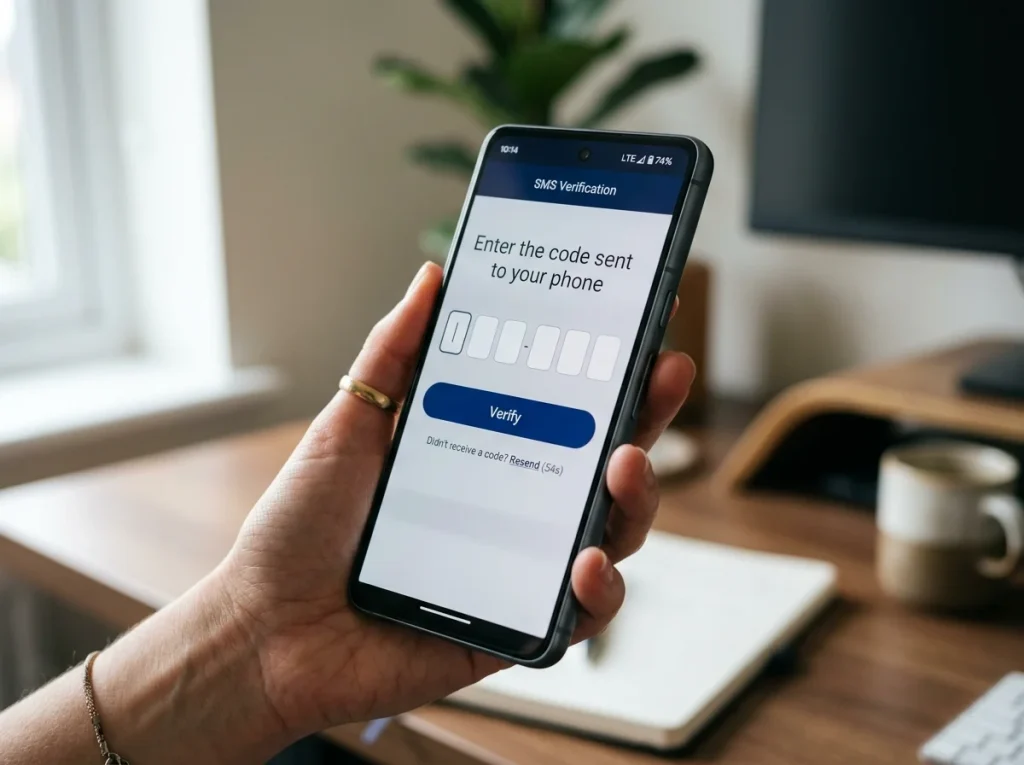
Step 2: Confirm email and phone
Payz sends a verification email within seconds of registration. You click the link, the email is confirmed, and you’re nudged towards phone verification next. The phone step uses SMS to a UK mobile number and is the foundation for SMS-based 2FA on the account.
This step looks trivial but has a downstream effect that surprises people. If you skip phone verification, you can’t enable SMS 2FA, which means you can’t take advantage of the faster app-based push verification at casino cashiers – push 2FA depends on having a verified phone number associated with the account. Phone verification is also a precondition for some higher-tier features and is required at Silver and above. Do it during sign-up rather than later.
For UK players, use a UK mobile number even if you also hold an overseas number. The wallet supports international numbers, but UK casinos sometimes apply additional checks if the registered phone country code differs from the registered address country code. Aligning everything to UK eliminates that friction.
Step 3: Initial tier and currency
The default new-account state is Classic tier with a single GBP currency segment. For UK casino play, that’s the right configuration most of the time, and you can keep it that way indefinitely if your volume is modest.
The currency decision matters because Payz supports more than 50 currencies across 174 countries. The default is a single primary currency – GBP for UK registrants – but you can add additional currency segments to the same account. Each segment holds a separate balance in that currency. When you transact in a different currency from what your segment holds, the FX rate at your tier applies.
The simplest strategy for UK casino play is to keep the account purely GBP. Deposit GBP into the wallet, deposit GBP from the wallet into UK casinos that process in GBP, and there’s no FX layer at all. The tier rates – 2.99% on Classic, 1.49% on Gold, 1.25% on Platinum – only apply when there’s a currency mismatch, and if you’ve kept everything in GBP, mismatches never happen.
The case for adding additional currencies is travel, international purchases or sportsbook accounts at non-UK operators. If those are part of your use case, decide which currencies you’ll hold at sign-up rather than adding them ad hoc later. Adding currencies later is possible but creates accounting complexity if you’ve already built up transaction history in the default segment.

Step 4: Link a funding source
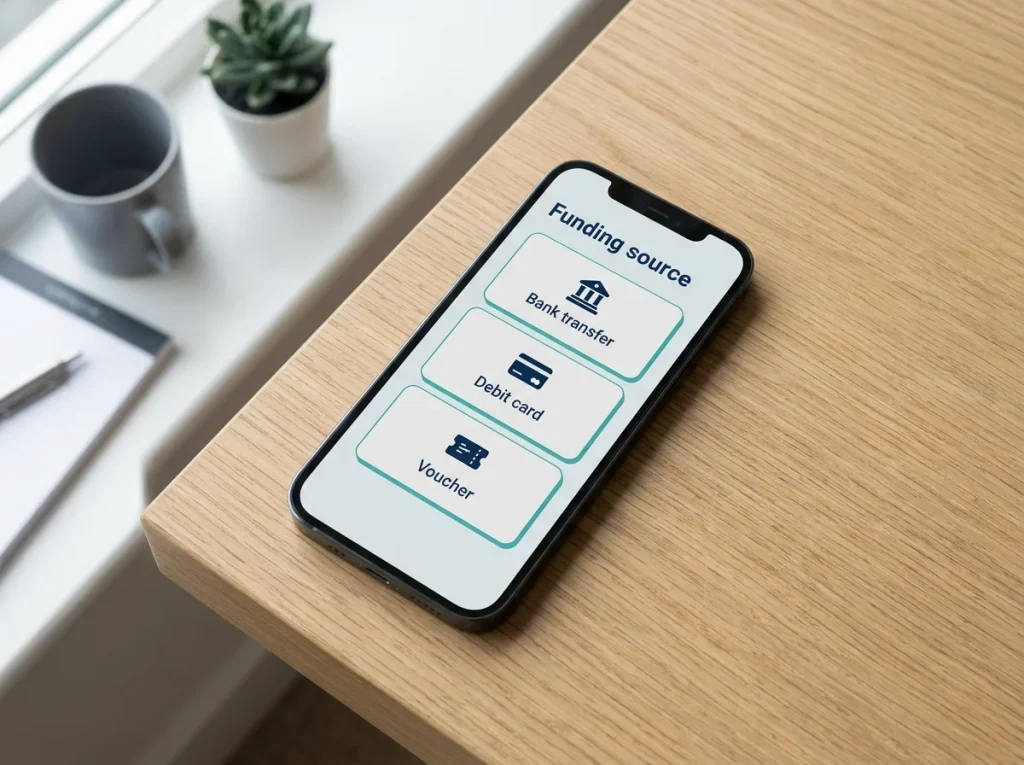
Once the basic registration is complete and identity verification is in progress, the next step is to fund the wallet. Payz supports several funding routes: debit card, bank transfer, ecoVoucher prepaid codes and a handful of regional methods.
For new UK accounts, a debit card link is usually the fastest and most flexible. Adding a debit card requires a small verification charge – a refundable amount that Payz debits and then refunds to confirm the card is genuinely linked to you. This step usually takes a few minutes but can take up to 24 hours depending on your bank’s settlement timing.
Bank transfer is slower at the first funding event but cheaper for larger amounts. UK Faster Payments arrive in the wallet within an hour on most banks, sometimes within minutes. The bank account used must be in your name and registered to the same address as your Payz account – a name or address mismatch at this stage triggers a manual review that can hold the funding for a working day.
ecoVoucher is the prepaid route, useful for players who want to fund the wallet without linking a card or bank account. The voucher is purchased from a retailer for a fixed amount in GBP, the code is redeemed into Payz, and the balance appears immediately. Vouchers are an effective tool for keeping casino-related spending visibly bounded – what you load is what you can spend, and there’s no underlying card or account to draw from.
Step 5: The first casino deposit
With Payz funded and basic verification complete, the first UK casino deposit is the easy part. Register at your chosen UKGC-licensed operator, complete the casino’s own KYC, navigate to the cashier and select Payz from the payment method list.
The cashier opens a Payz authentication screen embedded in the casino’s page. Enter your Payz email and password – or use 2FA if you’ve configured it – and the deposit amount populates from the casino side. Confirm the amount, approve any 2FA prompt that appears on your phone, and the balance credits the casino account within seconds.
The deposit you choose for the first transaction matters a little. Most UK casinos run a transaction-pattern check on first deposit, and very small deposits or very large deposits both attract more scrutiny than something in the middle. A first deposit somewhere between £20 and £100 tends to clear most cleanly, but anything within the operator’s stated range will work. Once the first deposit is through, subsequent deposits move much faster because the operator has built a baseline profile of the account. If you want to understand what happens behind the scenes during verification – and why having documents ready accelerates everything – the detailed breakdown of Payz and casino KYC stacks covers both ends in depth.

Do I need a UK address to register a Payz account intended for UK casino play?
Yes for practical purposes. Payz accepts registrations from 174 countries, but UK casinos almost universally require the Payz account address to match the address on your casino registration, and that address has to be a UK residential address with verifiable proof. A non-UK Payz account creates friction at every UK casino verification.
Is the sign-up faster on the mobile app than on the desktop browser?
The form-filling time is roughly equivalent, but the document upload step is meaningfully faster on the app because you can photograph documents directly rather than scanning and uploading. The app also handles the post-registration 2FA setup more smoothly. For a new account, the app is the faster route end to end.
How long does the full sign-up to first deposit take if I"ve prepared documents in advance?
With documents ready and a UK debit card available for funding, the full path – registration, basic verification, funding, casino registration, casino KYC, first deposit – can be completed in 60-90 minutes. Without prepared documents, it stretches across 1-3 working days because of verification queue times on both Payz and casino sides.
ecoPayz Casino Articles: UK Market Trends and Payment Data
Created by the "Ecopayz Casino UK" editorial team.