
ecoPayz Casino Mobile App: iOS and Android Integration
 Available in GB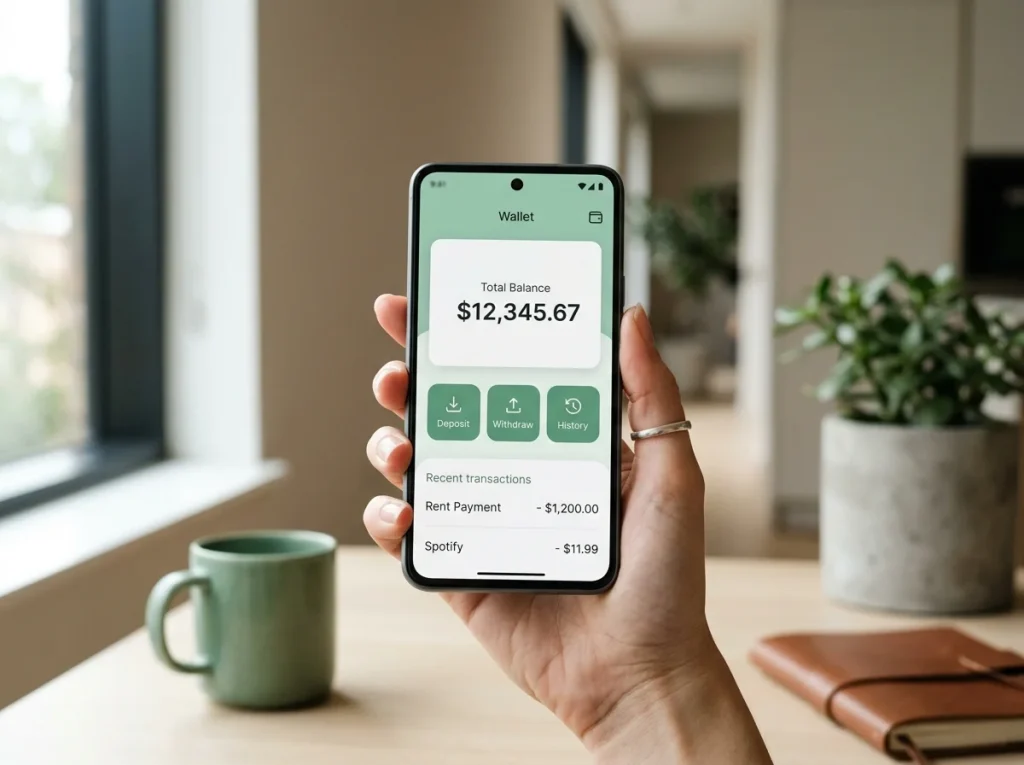
Mobile Cashier Integration: Managing Casino Bankrolls via App
I haven’t deposited from a desktop browser in about two years. Neither has anyone I work with in the day-to-day. Roughly 80% of online gamblers in the UK now treat their smartphone as their primary device for gambling activity, and the Payz mobile app sits squarely in that flow. The cashier opens on the phone, the wallet confirmation happens on the phone, biometric authorisation lives on the phone – desktop is now the secondary surface, not the default one.
What's inside this guide
The Payz app isn’t the only way to use the wallet for casino transactions, but it’s the way that most reflects how UK players actually behave. This piece walks through what the app does well, where it integrates cleanly with casino cashiers, and the friction points that still catch people out.
App availability and versions
Payz publishes two native apps – iOS through the App Store and Android through Google Play. Both are free, both support the full account hierarchy from Classic to VIP, and both update at roughly the same cadence. There’s no separate “casino” version; the same app handles every transaction type the wallet supports.
Mobile now accounts for 71% of all online wagers in the UK, up from 58% in 2021, and the gradient is steepest in the under-35 cohort. The app has been built around that demographic shift. The default landing screen is a transaction list, not an account-management dashboard. The deposit and withdrawal flows are two taps from launch. The settings, statement download and tier-management controls are present but deliberately tucked away.
One quirk worth knowing: the iOS and Android versions are functionally identical for casino use but differ in some peripheral features. Biometric implementation varies – Face ID on iPhone, fingerprint or face unlock on Android depending on hardware. Push notification handling is more granular on Android. Apple’s App Store policy occasionally delays Payz feature releases on iOS by a release cycle while Google approves the same update faster. For a player using the app strictly for casino deposits and withdrawals, neither difference matters in practice.
Casino cashier integration on mobile
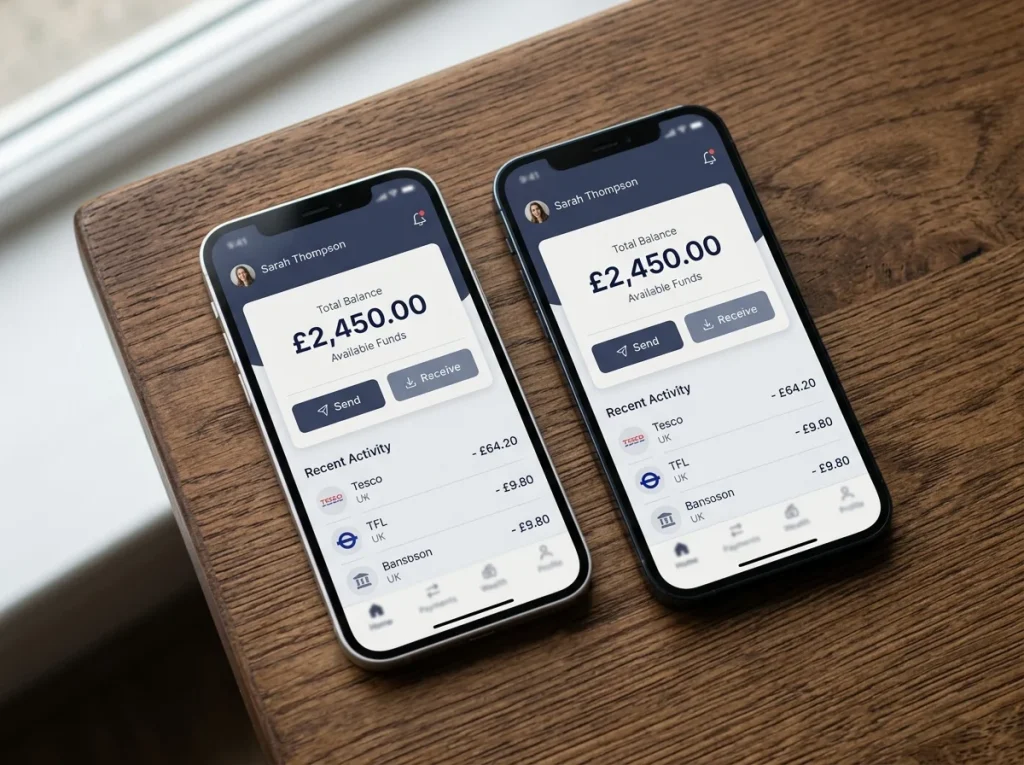
The integration between a UK casino cashier and the Payz app is one of the cleaner flows in the e-wallet space, and it’s worth understanding why because it’s not obvious from the user experience.
When you select Payz at a casino cashier on mobile, the cashier doesn’t redirect you into the Payz app. Instead, it shows you a Payz login screen embedded in the browser, takes your credentials, and processes the transaction through Payz’s API. The app on the phone is doing nothing during this exchange unless 2FA or push confirmation is enabled, in which case the app receives a notification asking you to approve the transaction.
This is different from how some other wallets work, where a deep link opens the wallet app, you complete the transaction there, and the deep link returns you to the casino. The Payz approach keeps the user inside the casino’s branded environment, which feels smoother but means the app’s main role during a deposit is as an authentication gatekeeper rather than as the transaction surface itself.
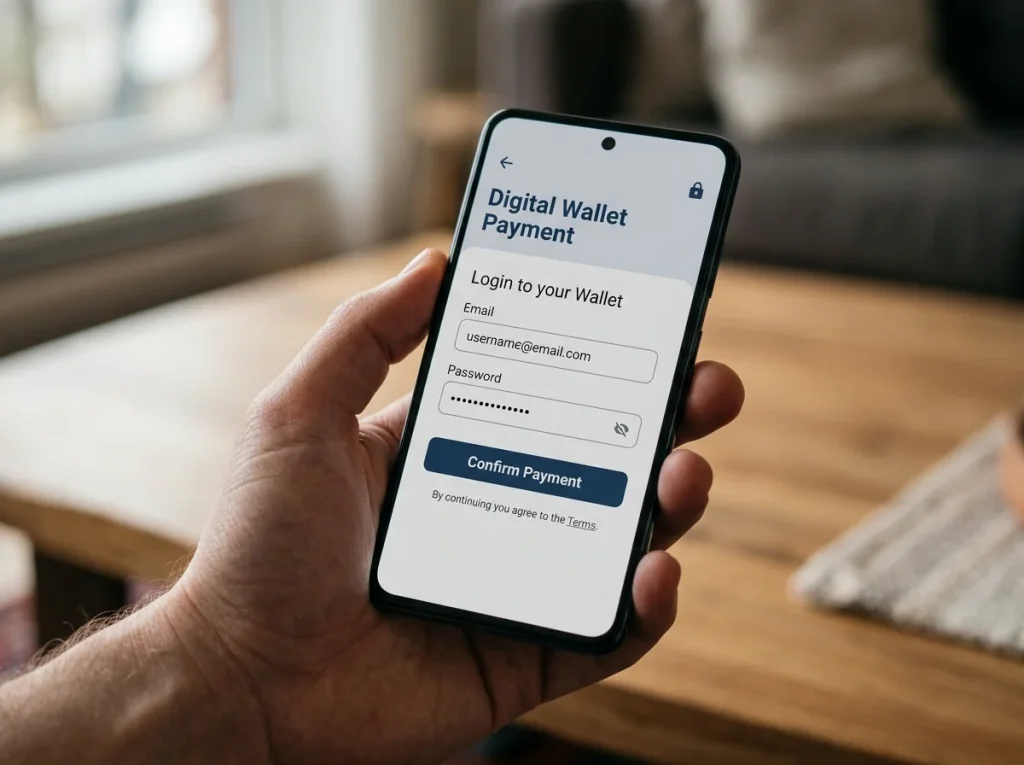
The exception is when you want to check balance, see your last few transactions, or move money between currency segments before depositing. Those tasks happen inside the app and have no equivalent inside the casino cashier. For active session management, the app is essential. For the deposit itself, it’s optional unless you’ve set up push-based 2FA.
In-app 2FA and biometrics
The Payz app supports several forms of two-factor authentication, and the choice between them materially affects casino deposit speed. SMS 2FA is the default for new accounts and is the slowest – texts can arrive after 30 seconds, occasionally after several minutes, and very occasionally not at all. In-app push 2FA is significantly faster, with most prompts arriving within a second of the casino sending the transaction.
Biometric authentication – Face ID, Touch ID, fingerprint – sits on top of either factor. With biometric enabled, opening the app to approve a push prompt is a glance or a touch rather than a PIN entry. The 2FA layer is unchanged; biometrics simply replaces the PIN as the unlock mechanism for the app. The cumulative effect on casino deposit speed is meaningful – a Payz deposit with SMS 2FA can take 30-60 seconds end to end including code delivery, while one with biometric-unlocked push 2FA can complete in 5-10 seconds.
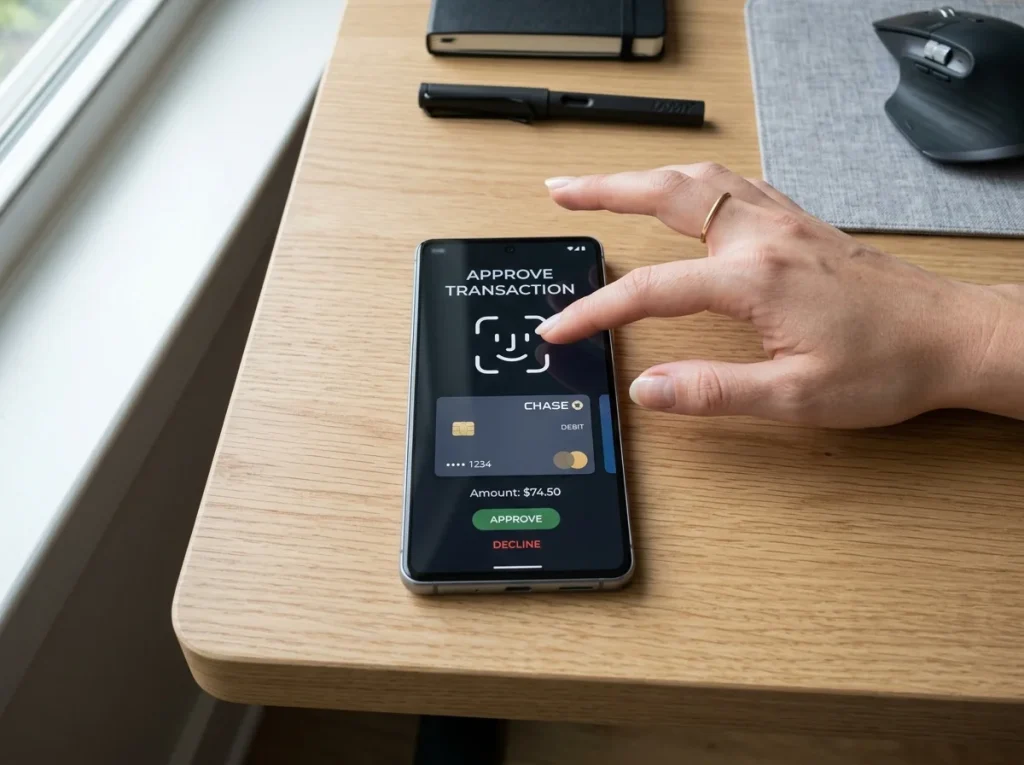
There’s a security consideration that often gets missed. Biometric authentication on the Payz app does not replace the casino’s separate KYC verification. The casino still needs its own documents – proof of identity, proof of address – regardless of what biometrics you’ve enabled on the wallet. Some players assume that a biometrically-verified Payz account speeds up casino-side KYC. It doesn’t. The two systems are entirely separate.
App-side deposit confirmation flow
The deposit confirmation flow is the moment in the journey where the app is most actively involved, and it has a few subtleties worth knowing.
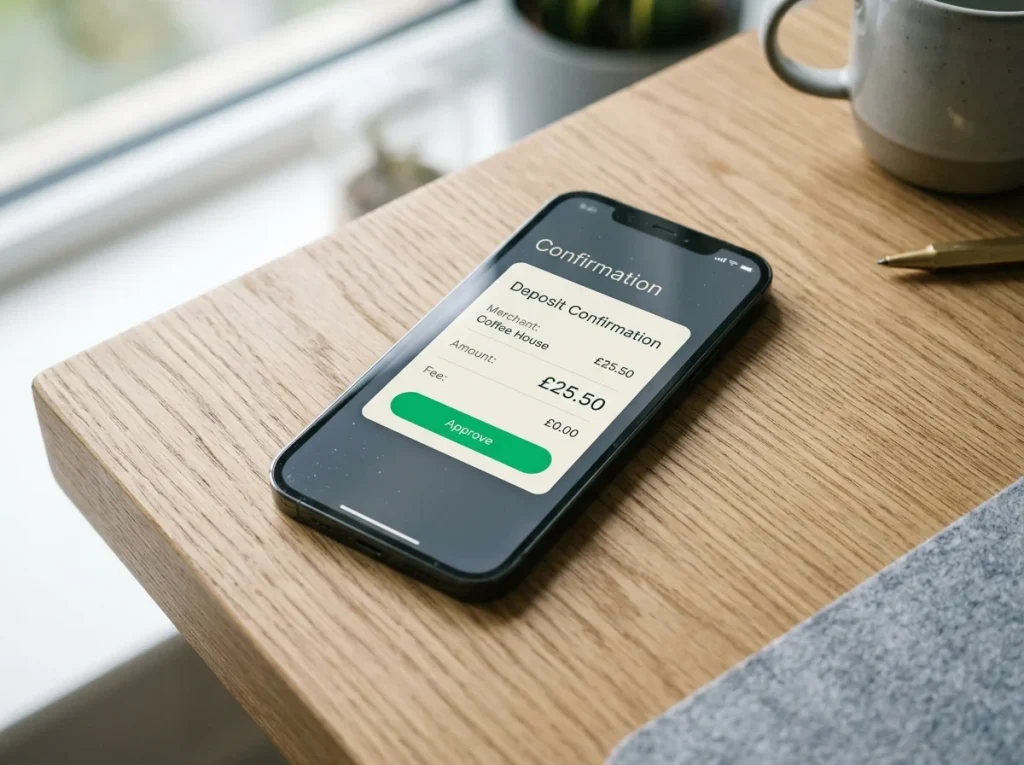
When you initiate a Payz deposit at a UK casino cashier, the casino’s payment gateway sends a transaction request to Payz. If your account is configured for in-app confirmation, the Payz app receives a push notification within a second or two. Tapping the notification opens the app to a confirmation screen showing the casino name, the amount in the casino’s currency, the amount in your account currency including any FX conversion, and any applicable fee.
The currency line is the one to read carefully. If the casino processes in GBP and your account holds GBP, the two amounts match and there’s no FX layer. If the casino processes in EUR or the wallet’s default currency segment doesn’t match the deposit currency, you’ll see the conversion rate Payz is applying and the corresponding fee at your tier – 2.99% on Classic and Silver, 1.49% on Gold, 1.25% on Platinum and VIP. The confirmation screen is the last chance to back out without taking the FX hit.
Once you approve, the casino is credited essentially instantly and the deposit appears in the casino balance within a few seconds. If the push notification doesn’t arrive – and it occasionally doesn’t, usually because of phone-level notification settings – you can manually open the app and approve from the pending-transactions screen. The casino-side timeout for this approval is typically 60-120 seconds; miss it and the transaction fails and you have to restart the deposit.
Notifications and spend tracking
The notification settings inside the Payz app are more granular than they first appear, and tuning them properly is one of the easier wins for a player who wants to use the wallet seriously for casino activity.
The defaults push a notification for every transaction, which gets noisy quickly for an active player. You can scale this back to push only for transactions above a threshold, only for international or FX transactions, or only for specific transaction types. The casino-relevant notifications to keep on are deposit confirmations, withdrawal credits and any failed-transaction alerts. The ones you can usually mute are routine balance updates and promotional notifications from Payz itself.
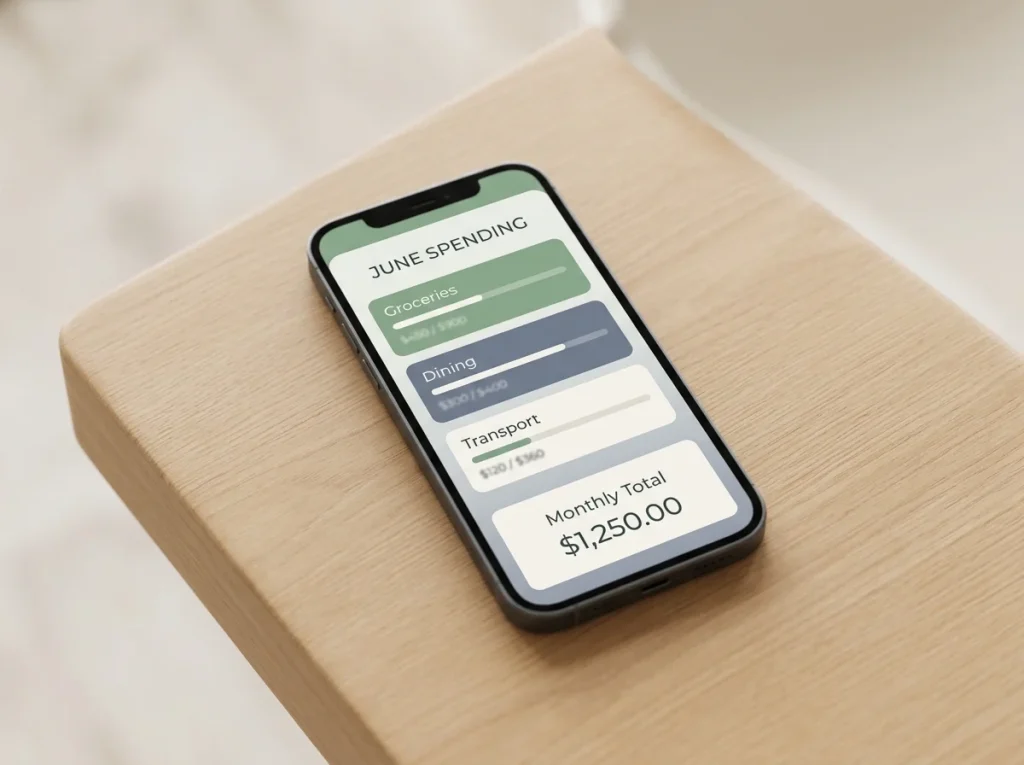
The app also has a spend-tracking view that aggregates outbound transactions by category and by recipient. For casino-active accounts this is genuinely useful as a sanity check – the categorisation isn’t perfect, but seeing a monthly total of “gambling” outflows separate from other spending makes the rough magnitude visible in a way that bank statements rarely do. The wider trend matters here: UK 65-plus adults registered for mobile wallets nearly doubled from 14% to 25% in twelve months, and the spend-tracking surface is one of the reasons the format is reaching cohorts that previously preferred desktop banking. Setting up 2FA correctly, which sits at the centre of this whole flow, is covered in the detailed walkthrough of Payz two-factor authentication options for anyone who hasn’t configured it beyond the SMS default.
Does the Payz app push a notification before every casino debit, or only on first session?
Every casino debit by default, regardless of whether it"s the first session or the hundredth. You can adjust this in the app"s notification settings – threshold-based notifications are an option but the default is per-transaction.
Can biometric login on the Payz app replace the casino"s own KYC verification step?
No. The Payz biometric layer authenticates you to the wallet only. The casino runs its own KYC under its UKGC licence and requires its own document checks – proof of identity, proof of address, and sometimes source-of-funds for higher balances. The two systems don"t share verification status.
Does the Payz iOS app have different casino features than the Android version?
The casino-facing flows are identical across both platforms. Peripheral differences exist around biometric implementation, notification granularity and occasional release timing for new features, but the deposit and withdrawal experiences for UK casino players are the same.
ecoPayz Casino Articles: UK Market Trends and Payment Data
Created by the "Ecopayz Casino UK" editorial team.