
How ecoPayz Handles Currency Conversion at UK Casinos: Hidden FX Mechanics Explained
 Available in GB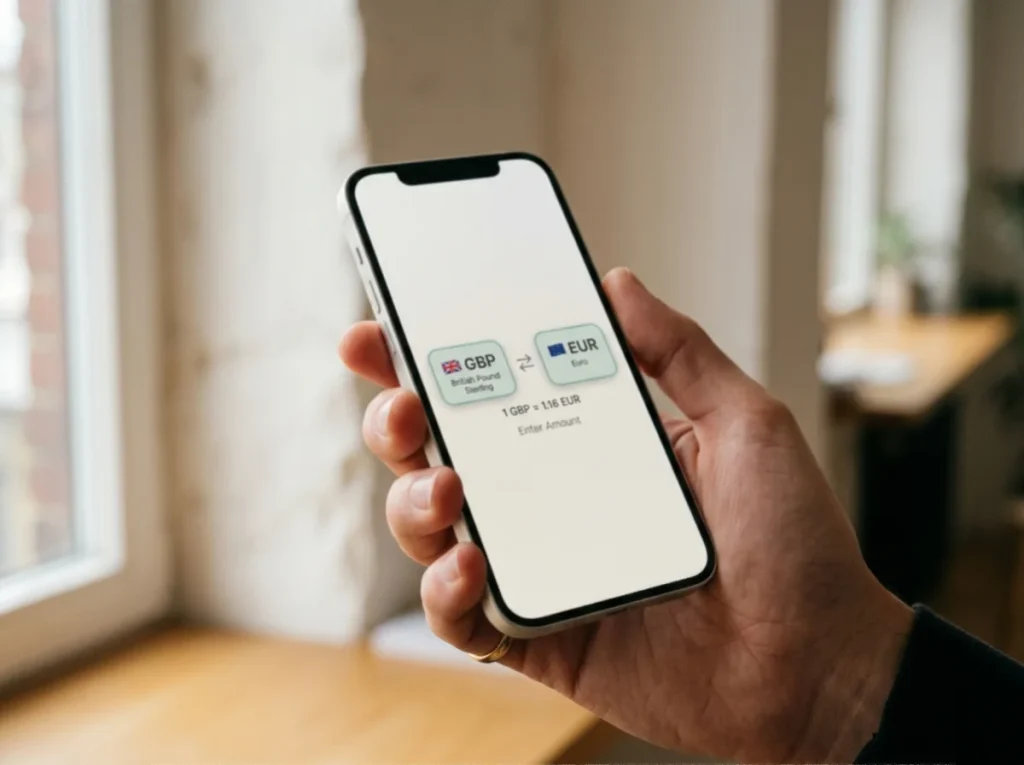
The reason a £100 deposit sometimes credits as £97
I had an awkward email exchange last spring with a player who was certain a UK casino had short-changed him by £3 on a £100 Payz deposit. The casino balance showed £97. The Payz statement showed £100 debited. He wanted to know which side was lying. Neither was – the missing £3 was the FX layer, triggered because his Payz balance happened to sit in EUR when he made the deposit, and the casino processed in GBP.
What's inside this guide
This sort of friction is invisible until you’ve been bitten by it. The FX mechanics inside Payz are not complicated, but they’re poorly explained on both the wallet’s own pages and on most casino cashiers. As PSI-Pay’s leadership has put it on the corporate side, “We developed a bespoke solution shaped around Payz and their needs, covering all of the required functionality.” That bespoke solution includes a tier-graded FX system that affects every multi-currency transaction, and understanding it is essential if you intend to use Payz at any scale with UK casinos.
When the FX layer actually triggers
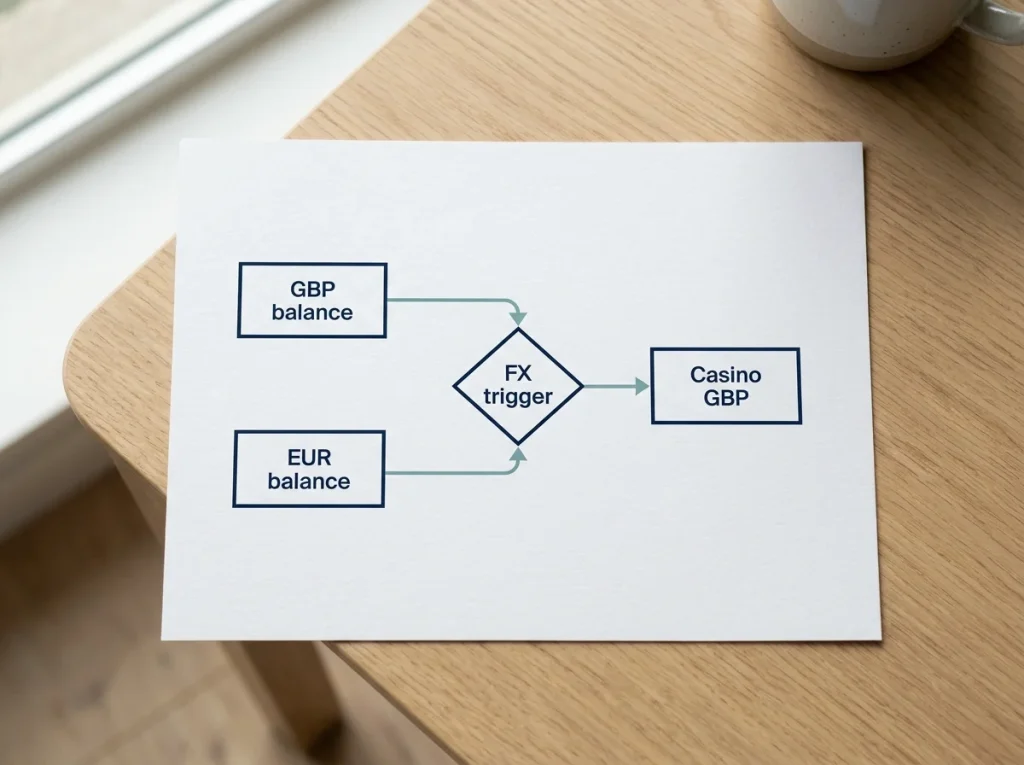
The FX layer in Payz triggers only when there’s a currency mismatch between what your account holds and what the transaction processes in. If both sides are GBP, there’s no conversion and no fee, regardless of your tier. This is the simplest case and the one most UK players experience most of the time.
The mismatch can appear in either of two places. First, between your account’s primary currency and the casino’s processing currency. Most UK-licensed casinos process in GBP, but a non-trivial minority process in EUR even when serving UK players – typically because the operator’s parent payment processor is based outside the UK. Second, between the currency segment you’ve designated as default inside Payz and the currency the casino requests. If you hold balances in multiple currencies, you can set which segment funds outbound transactions, and a mismatch between that segment and the casino currency triggers the FX layer even if you have a GBP balance elsewhere in the account.
The second case catches people who think holding GBP somewhere in the wallet is enough. It isn’t. The funding segment matters. If your default outbound segment is EUR and the casino wants GBP, Payz converts from your EUR balance even though you have GBP sitting in a different segment.
There’s a third triggering case that’s more obscure: deposits where the wallet has run out of balance in the matching currency and falls back to the next available segment. If you have £50 in GBP and £200 in EUR and try to deposit £75 at a GBP casino, the wallet covers the first £50 from GBP without FX and converts the remaining £25 from EUR with FX. The transaction succeeds but you’ve paid the FX rate on the shortfall.
The tier FX table in context
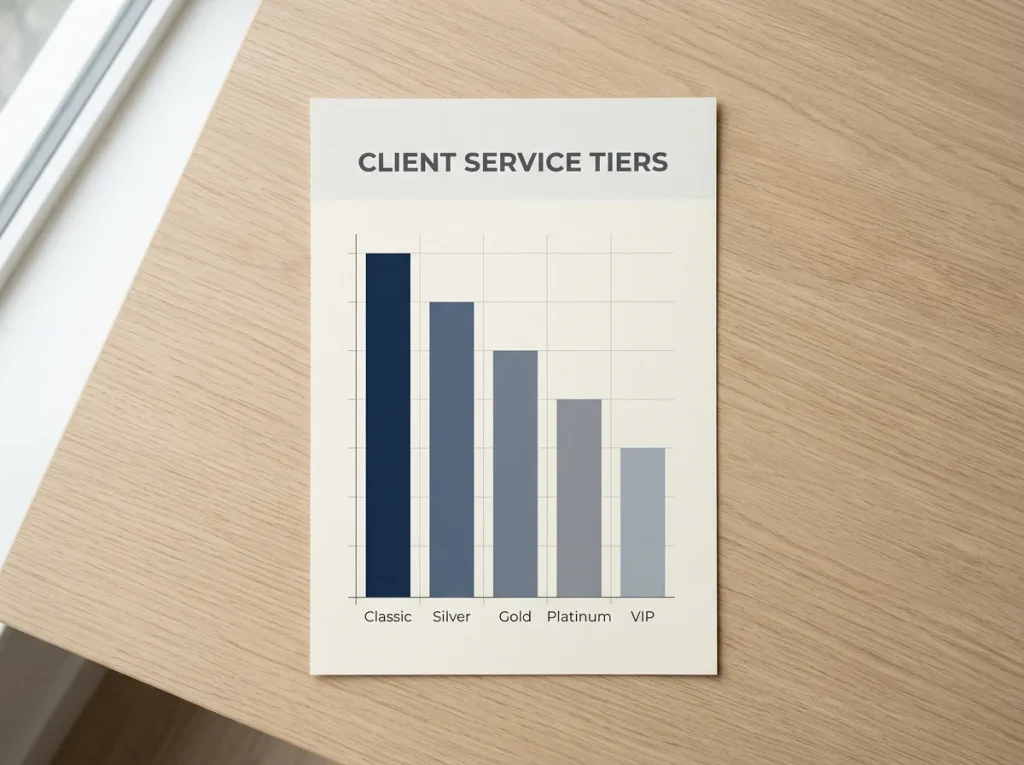
The FX rate is set by your account tier and applies as a percentage on top of the underlying conversion rate. Classic and Silver tier sit at 2.99%. Gold drops to 1.49%. Platinum and VIP fall to 1.25%. These are markups over the rate Payz applies, not the total FX cost.
The Classic and Silver rate of 2.99% is materially higher than the equivalent rate at most challenger banks, where 0-0.5% is now common for card-based cross-border payments. The Gold rate of 1.49% is closer to mainstream high-street bank pricing but still more than half a percent above the best fintech alternatives. The Platinum and VIP rate of 1.25% is competitive but rarely accessed by the average player because of the deposit volume required to maintain those tiers.
What’s worth pointing out is that the rate applies to the full converted amount, not just the marginal portion. On a £100 GBP-equivalent deposit converted from EUR at Classic, the fee is £2.99. At Gold it’s £1.49. The annual cost of staying at Classic versus upgrading to Gold, for a player making cross-currency deposits regularly, can run into the hundreds of pounds even at modest deposit volumes.
The rate also doesn’t move with market conditions. The 2.99%, 1.49% and 1.25% figures are fixed at the tier level. What moves underneath is the base conversion rate Payz applies, which tracks the wholesale FX market with a delay and a small spread of its own. So even a Platinum tier player with the lowest tier markup is paying both that 1.25% and an unstated spread on top of the mid-market rate.
The mid-market rate vs the Payz rate
The mid-market rate is the rate at which currencies trade between large institutional counterparties – the wholesale price, essentially. Every consumer FX product is priced as a markup over this rate, and the size of the markup is the real measure of FX cost.
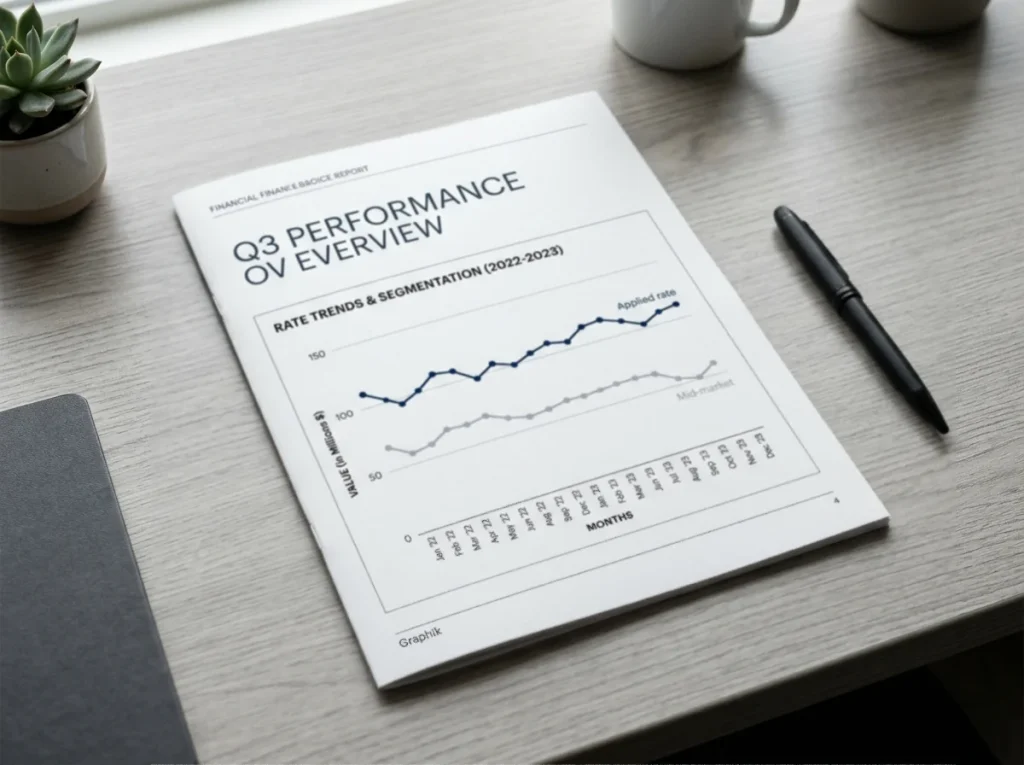
Payz’s tier rates are markups on top of a rate that’s itself slightly off the mid-market – typically by 0.2-0.5% – because PSI-Pay buys liquidity in commercial wholesale markets and applies a small handling margin before the tier markup is added. The total cost of an FX conversion at Classic is therefore something close to 3.2-3.5%, not just 2.99%. At Gold it’s closer to 1.7-2.0%. At Platinum it’s closer to 1.5-1.75%.
This isn’t peculiar to Payz. Every consumer payment platform does something similar. The reason it matters is that the headline 2.99% figure understates the real cost by enough to matter at high volumes. A player who exchanges £20,000 a year through the wallet at Classic tier is paying somewhere around £640-£700 in FX cost rather than the £598 implied by the headline rate alone.
The takeaway isn’t that Payz is unusually expensive – it’s that the rate to plan around is the all-in cost, not the tier markup in isolation. When comparing Payz to alternatives, the comparison only works if the same all-in figure is used on both sides.
Multi-currency balances explained
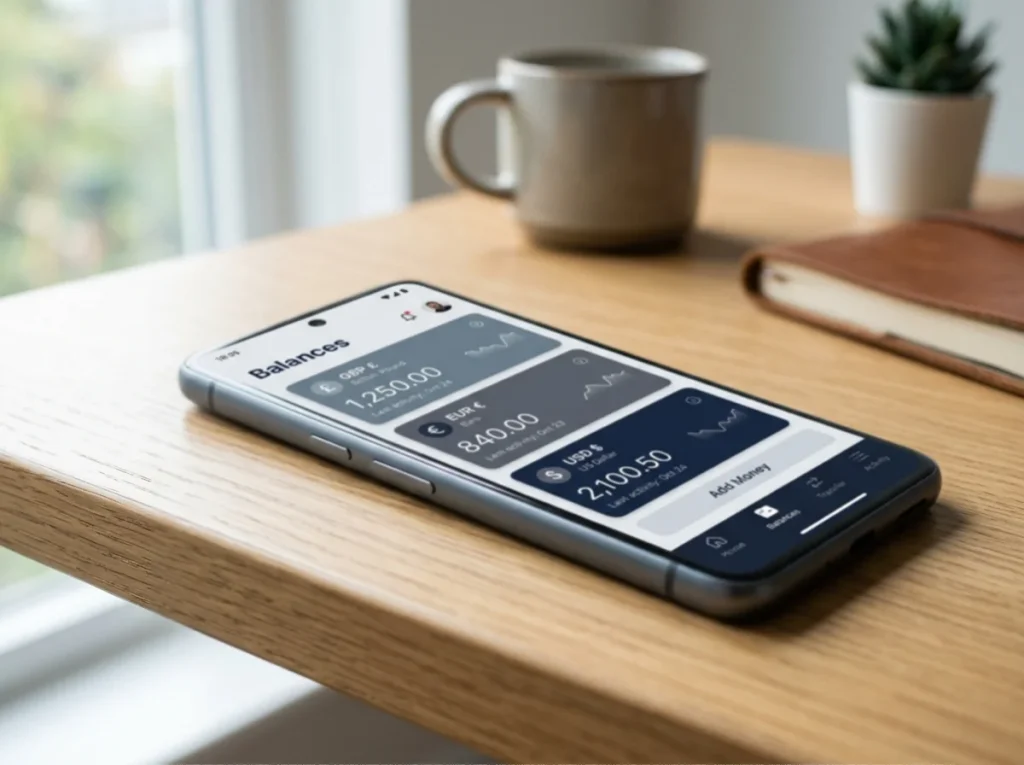
Payz supports more than 50 currencies across 174 countries, and any single account can hold balances in multiple currencies simultaneously. The wallet’s underlying infrastructure handles roughly €3 billion in transaction volume through the broader PSI-Pay framework, which is what makes the multi-currency model practical at retail scale.
The mechanics of holding multiple currencies inside one account are straightforward. You open the wallet at registration with a primary currency – GBP for UK registrants – and you can add additional currency segments later from the account settings. Each segment holds its own balance and its own transaction history. Transfers between segments are conversions that incur the tier FX rate, so moving £100 of GBP into EUR at Classic costs £2.99 in fees.
The strategic point is that holding multi-currency balances allows you to time your conversions. Rather than letting a casino deposit trigger an automatic conversion at whatever rate is current, you can convert manually when the rate suits you and then deposit from the matching segment without further FX. This is particularly useful if you regularly play at both GBP and EUR casinos – you maintain matched balances in each currency and avoid the FX layer entirely on individual deposits.
The cost of this strategy is one upfront conversion fee per currency you want to hold. After that initial conversion, you can transact in the destination currency without further FX as long as the balance lasts. For a player making frequent small deposits in a non-GBP currency, this is far cheaper than paying the FX layer on every individual deposit. For a player making one or two cross-currency deposits a year, the upfront conversion isn’t worth the complexity.
Our top casino picks for the UK
- BeOnBetBonus: 100% up to €500 + 100 FS · Payout speed: 1-3 business days
- WinBeastBonus: €5000 + 500 FS + €650 Freebet · Payout speed: 1-3 business days
- NightWinBonus: £900 + 400 free spins · Payout speed: 1-3 business days
- JetsetspinsBonus: 200% Bonus + 100 Free Spins + Free Royal Wheel · Payout speed: 1-3 business days
- DieselwinBonus: Welcome Pack 250% up to £4000 + 200 FS · Payout speed: 1-3 business days
- EvoSpinBonus: 125% up to €2500 + 125 Free Spins · Payout speed: 1-3 business days
- SpinFormulaBonus: 550% Up To £15,000 + 550 FS · Payout speed: 1-3 business days
- Revery PlayBonus: 100% up to€1,000+ 100 FS · Payout speed: 1-3 business days
Practical tactics for UK players
The simplest and best tactic for UK players using Payz at UK casinos is to keep the wallet purely GBP. Fund from GBP sources, deposit at GBP casinos, withdraw to GBP. The FX layer never activates and the tier rate, whatever it is, is irrelevant.
The second tactic, for players who do hit FX situations, is to consolidate cross-currency activity into batch conversions. Rather than triggering FX on every individual deposit, convert a meaningful chunk of GBP to the destination currency in one transaction and then transact from that segment until it’s depleted. One £500 conversion at Classic costs £14.95. The same £500 broken into ten £50 deposit-time conversions costs the same £14.95 in total, but the planning friction is much higher and each conversion happens at whatever rate Payz offers at that moment.
The third tactic is tier strategy. If your annual cross-currency volume is meaningful – say, more than £5,000 – the savings from upgrading to Gold can offset the documentation burden of the upgrade. Below that volume, the upgrade is usually not worth the effort. For the full picture of how the FX rates fit into the broader fee architecture of the wallet, the breakdown of all the Payz casino fees and where they really apply walks through every charging surface in one place.

If my Payz balance is in EUR and I deposit at a GBP casino, what exchange rate timestamp is used?
The rate applied is the rate at the moment the casino"s payment instruction reaches Payz, which is typically within a second of you confirming the deposit. The tier markup is added on top of that real-time rate. You can see both the rate and the markup on the Payz confirmation screen before approving, and you can cancel if the figures don"t match what you expected.
Does opening a GBP-only Payz sub-account eliminate all FX fees at UK casinos?
If both the casino and your Payz funding segment are GBP, there"s no FX layer and no fee at all. The single-currency setup is the cleanest way to use Payz with UK casinos. The fees only apply when there"s an actual currency mismatch.
Can I see the exact mid-market rate Payz used on a past transaction?
The Payz transaction statement shows the applied rate and the tier markup, but not the underlying mid-market rate for comparison. You can reconstruct the markup over mid-market by checking historical mid-market rates for the timestamp on the statement against the rate Payz applied.
ecoPayz Casino Articles: UK Market Trends and Payment Data
Written by the editors at Ecopayz Casino UK.